

The “Bring Your Own Key” (BYOK) feature is exclusively available for customers on the Enterprise Plan. See our Billing page or contact support to upgrade.
Managing Provider Connections
The main page lists all available providers that you can connect to Omnifact.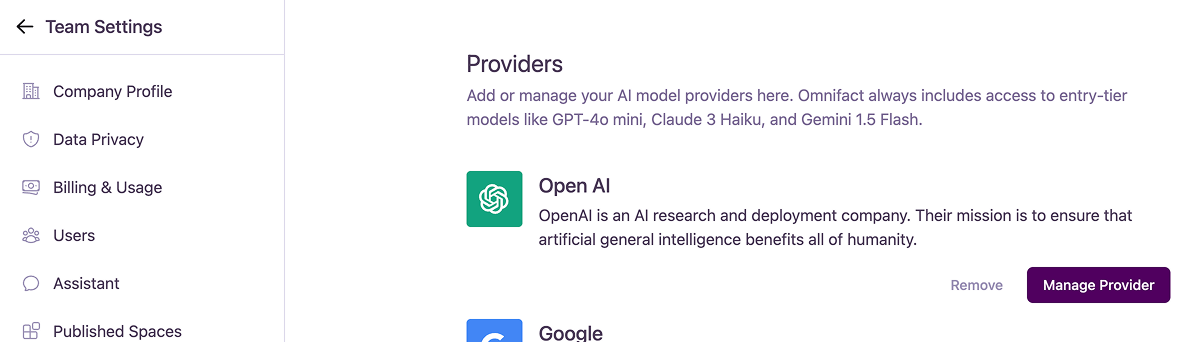
Once you use up your alloted credits, you can continue using the entry-tier models (GPT-4o mini, Claude 3 Haiku, and Gemini 1.5 Flash) as part of our fair use flat rate.
Connecting a New Provider
Connecting a New Provider
To connect a new provider, such as Mistral AI:
- Click the ”+ Connect” button next to the provider you wish to add.
- A modal will appear asking for an API Key.
- Paste your API key from that provider into the field and click “Save”.
Managing an Existing Provider
Managing an Existing Provider
For providers that are already connected, you have two options:
- Manage Provider: Click this button to open a modal where you can view your partially masked API key or update it with a new one. The modal includes a convenient link to the provider’s API dashboard to help you find your key.
- Remove: Click this link to disconnect the provider from your Omnifact account. This will immediately revoke Omnifact’s access to that provider using your key.
Connecting your own provider is optional even for enterprise customers.