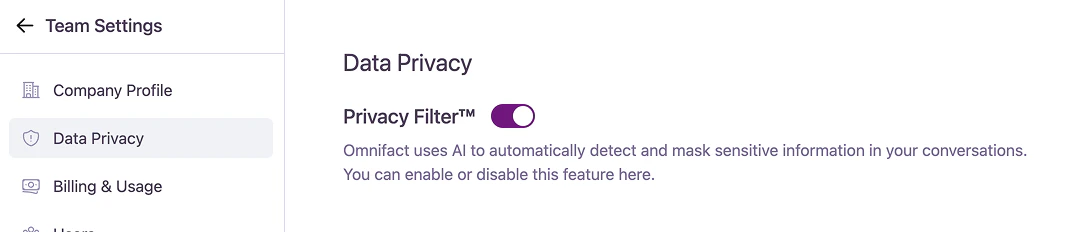
The Data Privacy section allows team admins to control a critical security feature for the entire organization: the Omnifact Privacy Filter™.
The Omnifact Privacy Filter™ is a core component of Omnifact’s security model. When enabled, it automatically detects and masks sensitive information (such as names, email addresses, and other personally identifiable information) before sending data to an AI model for processing.
Privacy Filter Control
By default, the Privacy Filter is enabled for all teams to ensure maximum data protection.
- Enabled (Recommended): The AI automatically detects and masks sensitive information in user conversations before it is sent to external AI models.
- Disabled: The automatic masking of sensitive information is turned off for all users in the team.
Disabling the Privacy Filter is a significant security decision.Turning this feature off means that any sensitive information entered by your users in their conversations could be directly exposed to third-party AI models. This action increases the risk of unintentional data leaks and may have implications for your organization’s compliance with data privacy regulations.We strongly recommend keeping the Privacy Filter enabled at all times unless you have a specific, authorized reason to disable it.