

How it Works
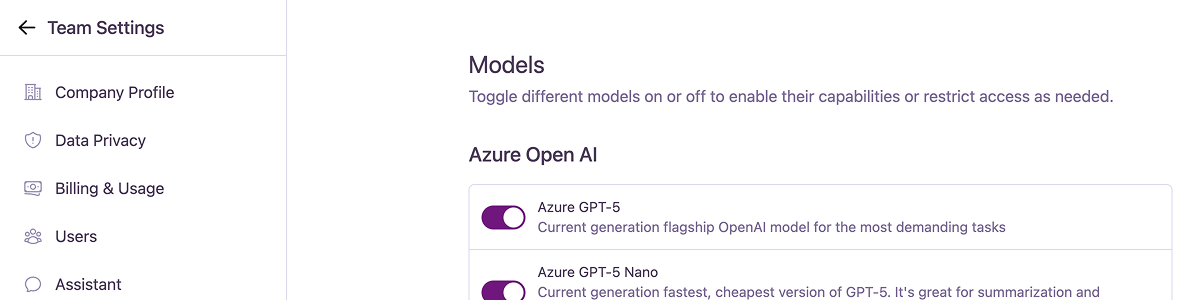
The page lists all available models, grouped by their provider (e.g., Azure OpenAI, Google, etc.). Each model has a toggle switch next to it.- Enabled: The model will be available for users to select in the chat interface and can be assigned to Published Spaces.
- Disabled: The model will not appear in any model selection dropdowns and cannot be used by your team.
Model Providers
The models are organized into the following categories:- Azure OpenAI
- OpenAI
- Anthropic
- Google
- Mistral AI
A selection of models hosted on Microsoft Azure, providing enterprise-grade security and performance.